Most calculator guides treat IGCSE as one thing. It isn't—and if you're sitting Pearson Edexcel International GCSE Maths A (4MA1), you've actually got more flexibility than most students realise. You can use a calculator in both of your papers, and, unusually, you're even allowed a graphical calculator if you set it up correctly. A related next step is my 7 best calculators for Cambridge IGCSE Maths (0580 and 0980) guide.
This guide is written specifically for the Edexcel 4MA1 specification. If you're on Cambridge 0580 instead, the rules are different (no graphical calculators there), so check a Cambridge-specific guide. Parents may also find my How do I find an online IGCSE Maths tutor? guidance useful when planning the next step.
What Edexcel actually allows
Both of your Edexcel IGCSE Maths papers allow a calculator—there's no non-calculator paper in this qualification. Foundation students sit Papers 1F and 2F; Higher students sit 1H and 2H; each is two hours and 100 marks. That's a genuine difference from UK GCSE, which keeps a non-calculator paper. A related next step is my 5 Best free websites for GCSE Maths past papers guide.
Edexcel doesn't publish a list of approved calculator models. Instead it follows JCQ rules, which define what a calculator must not do. The banned features are databanks and stored text or formulae retrieval, QWERTY keyboards, built-in symbolic algebra manipulation, and symbolic differentiation or integration. Any calculator free of those is permitted. A related next step is my 8 Best free GCSE Maths revision websites guide.
That last point is what opens the door to graphical calculators. The JCQ position for the current cycle is that graphical calculators are allowed for all examinations unless a board specifically prohibits them, provided they comply with the regulations—and Edexcel does not prohibit them for 4MA1. There's one important condition attached, though, which we'll come to. A related next step is my Best GCSE and IGCSE Maths revision guides guide.
For most students, a scientific calculator is still the right answer—it's cheaper, faster to learn, and more than enough for the syllabus. Calculators 1 to 7 below are scientific models. But if you're heading to A-Level or the IB and want one device for the whole journey, the two graphical options at the end are worth a look, as long as you follow the exam-mode rule.
Before the list, one evidence-based nudge: a widely cited meta-analysis of 54 studies found that students' operational and problem-solving skills improved when calculators were an integral part of testing and instruction, and that calculator users tended to have better attitudes toward maths than those without. The takeaway is to choose your model early and practise with it until it's automatic.
1. Casio fx-85GTCW+
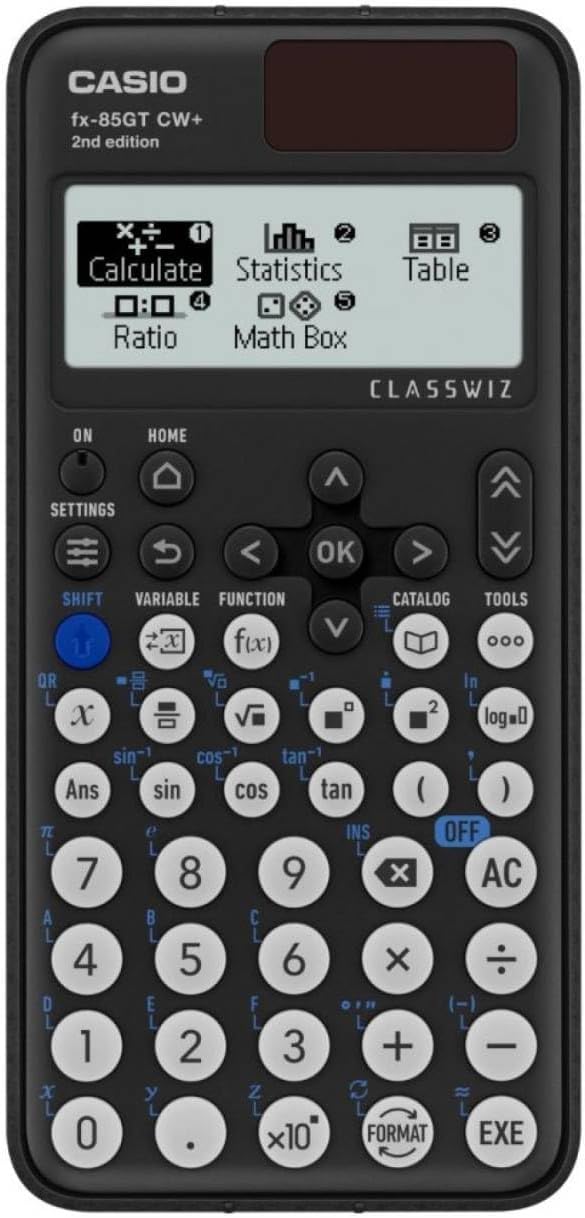
The sensible default. The FX-85GT CW is the current standard scientific model and covers everything 4MA1 asks of you—fractions, standard form, trig, statistics—without burying those functions under unnecessary menus.
Its standout feature is dual power: solar with battery backup, so a flat battery mid-paper is one less worry.
Cost: around £17 — check price on Amazon
Worth knowing: intuitive and affordable. It's pitched at IGCSE level, so A-Level-bound students may want more—but for 4MA1 it's spot on.
2. Casio FX-83GT CW
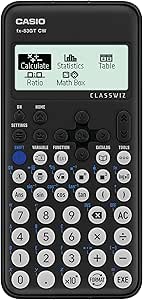
The battery-only twin of the FX-85GT. Same ClassWiz layout, same approved functions, usually a pound or two cheaper without the solar panel.
It's among the most widely recognised models in classrooms, so it'll match whatever your teacher demonstrates on the board.
Cost: around £15 — check price on Amazon
Worth knowing: keep a spare battery in your pencil case and you'll have no complaints. An excellent, slightly cheaper choice.
3. Casio FX-991EX (ClassWiz)
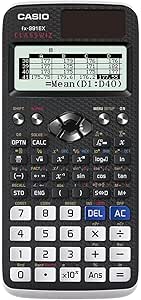
The scientific model to buy if A-Level beckons. On top of the cheaper ClassWiz functions, the FX-991EX adds numerical equation solvers, a spreadsheet function and a high-resolution display.
For Higher-tier students juggling more demanding algebra and trig, the extra headroom helps you check answers quickly under pressure.
Cost: around £29.50 — check price on Amazon
Worth knowing: arguably more than 4MA1 requires, and it takes a little time to learn fully—but it's the scientific model students least often outgrow.
4. Texas Instruments TI-30XS MultiView
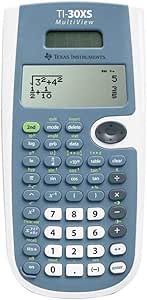
The leading alternative to Casio. The TI-30XS stands out for its MultiView display, showing several lines of calculation at once—handy for spotting where an answer slipped.
Solar and battery powered, it's a serious choice for students who prefer the TI layout.
Cost: around £29.00 — check price on Amazon
Worth knowing: a slightly more complex interface than a basic scientific calculator, and a touch heavier. Easier to live with if your school already uses TI.
5. EooCoo Scientific Calculator
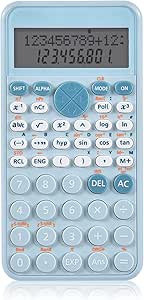
A solid budget pick. The EooCoo lacks the big-brand name but offers a natural textbook-style display and all the core functions 4MA1 needs at a low price.
Cost: around £10.98 — check price on Amazon
Worth knowing: fewer advanced functions and shorter battery life than premium models—neither a problem for IGCSE work.
6. OSALO Scientific Calculator
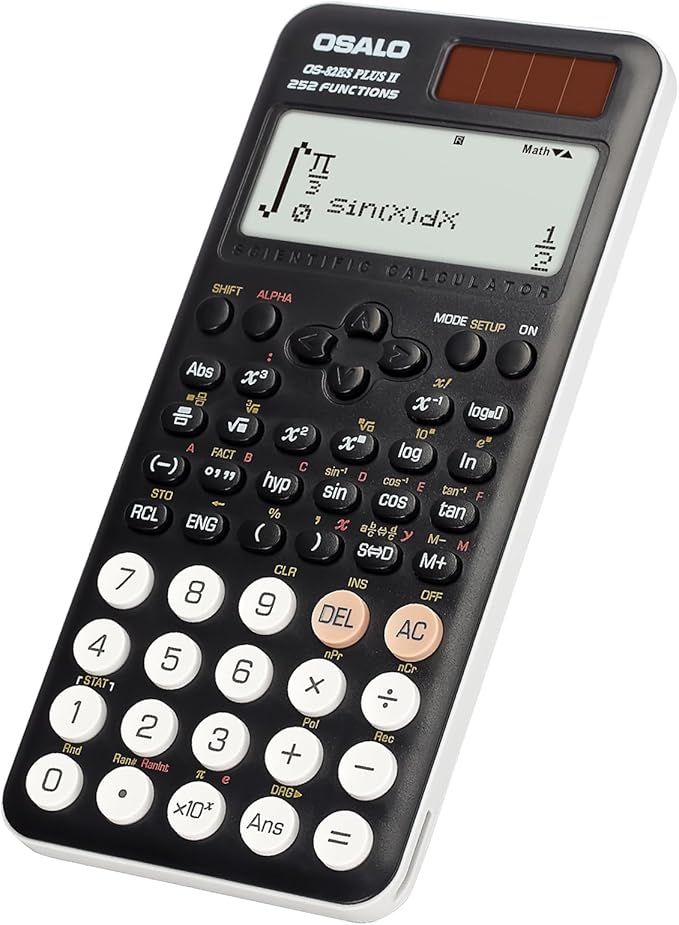
A durable, comfortable budget option, with an ergonomic key layout you'll appreciate during a two-hour paper.
Cost: around £19.99 — check price on Amazon
Worth knowing: smaller brand, limited advanced functions, but robust and dependable for the price.
7. WECKEW Scientific Calculator
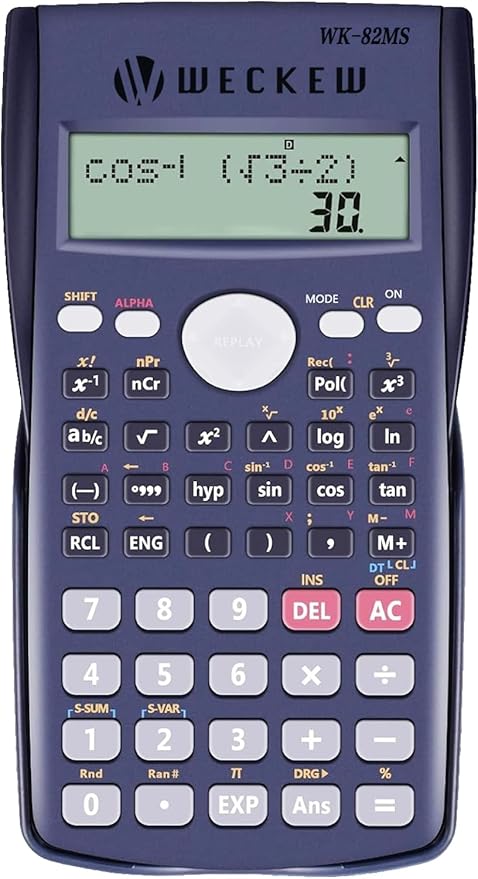
The budget wildcard—240 functions and a multi-line display in one of the cheapest packages here, with dual power and a decent reviewer rating.
Cost: around £6.99 — check price on Amazon
Worth knowing: the build feels as cheap as the price, and the advanced features are basic. A fine backup or stopgap.
Thinking ahead to A-Level? Two graphical options (exam mode required)
Here's the part that's unique to Edexcel. If you already know A-Level or IB is next, buying a graphical calculator now means mastering one device for years rather than replacing it later. Both models below are non-CAS, which is what keeps them permitted under JCQ rules.
The one condition you must not skip: a graphical calculator has memory that could store prohibited material, so it must be cleared for the exam. The accepted way to do this is the calculator's exam mode, which locks down stored data and prohibited functions. JCQ guidance specifically notes that many graphical calculators have an exam mode that locks down storage, giving centres confidence nothing has been pre-stored. You must activate exam mode (or perform a full memory reset) before you go into the exam, and tell your exams officer in advance that you're using a graphical calculator so they can check it's compliant. Turn up without doing this and it may not be allowed.
8. Casio fx-CG50
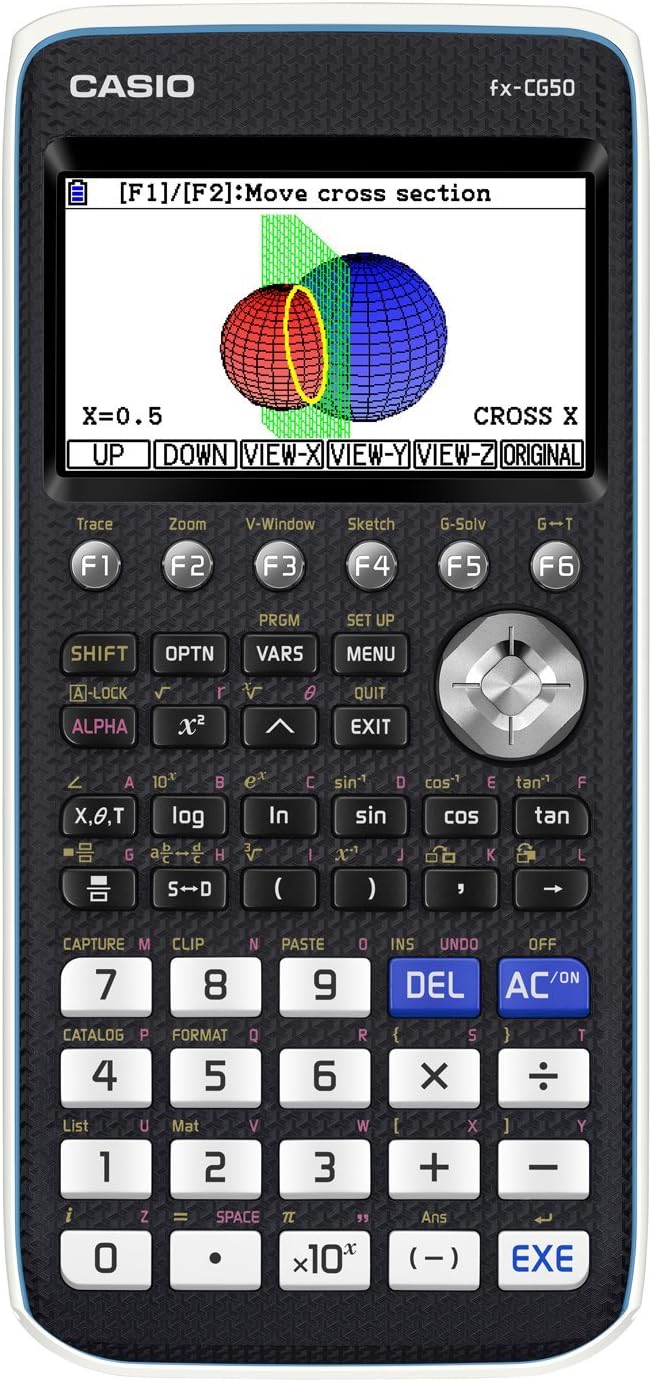
The natural step up from a Casio ClassWiz—the menu logic will already feel familiar. Casio describes it as permitted in all UK calculator exams, with functionality spanning GCSE through A-Level, Further Maths and IB. For exam eligibility, the key fact is that it has no CAS, so it's limited to numeric calculations and allowed on standard exams—while still offering the bonus of displaying exact values such as simplified surds and fractions on the home screen.
It has a built-in exam mode, which is exactly what you'll need to activate before sitting your paper.
Cost: around £110–130 — check price on Amazon
Worth knowing: fast graphing, an intuitive icon menu and exact-value display make it a strong all-rounder—worth it only if you'll use it beyond IGCSE.
9. Texas Instruments TI-84 Plus CE
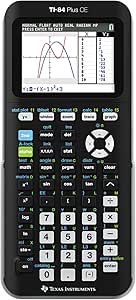
Perhaps the most recognised graphing calculator in the world. Like the Casio, it has no CAS, which keeps it permitted on standard exams, and it's known for a high-resolution colour screen, a broad range of graphing and mathematical functions, and a vast ecosystem of tutorials. It, too, has an exam mode you must enable beforehand.
Cost: around £120–140 — check price on Amazon
Worth knowing: many find TI navigation intuitive, though independent comparisons note the Casio graphs faster and shows exact values where the TI gives decimals. The safer bet if your future school or college standardises on TI.
So which one should you buy for 4MA1?
For most Edexcel IGCSE students, the Casio fx-85GTCW+ (or battery-only FX-83GT CW) is the sensible default—permitted, affordable, easy to learn.
If A-Level is coming and you want a scientific model, step up to the Casio FX-991EX.
If you're certain about A-Level or IB and want to invest once, a Casio fx-CG50 or TI-84 Plus CE graphical calculator is allowed for Edexcel IGCSE—but only in exam mode, and only after you've cleared it with your exams officer.
And if budget decides it, the EooCoo or WECKEW will get the job done.
Whatever you pick, practise with the exact model you'll take into the exam, and—if it's a graphical calculator—practise activating exam mode too, so it's routine by exam day.
A quick caveat: regulations and school policies change, and some schools restrict graphical calculators even where the board permits them. Always confirm with your school's exams officer before buying.